
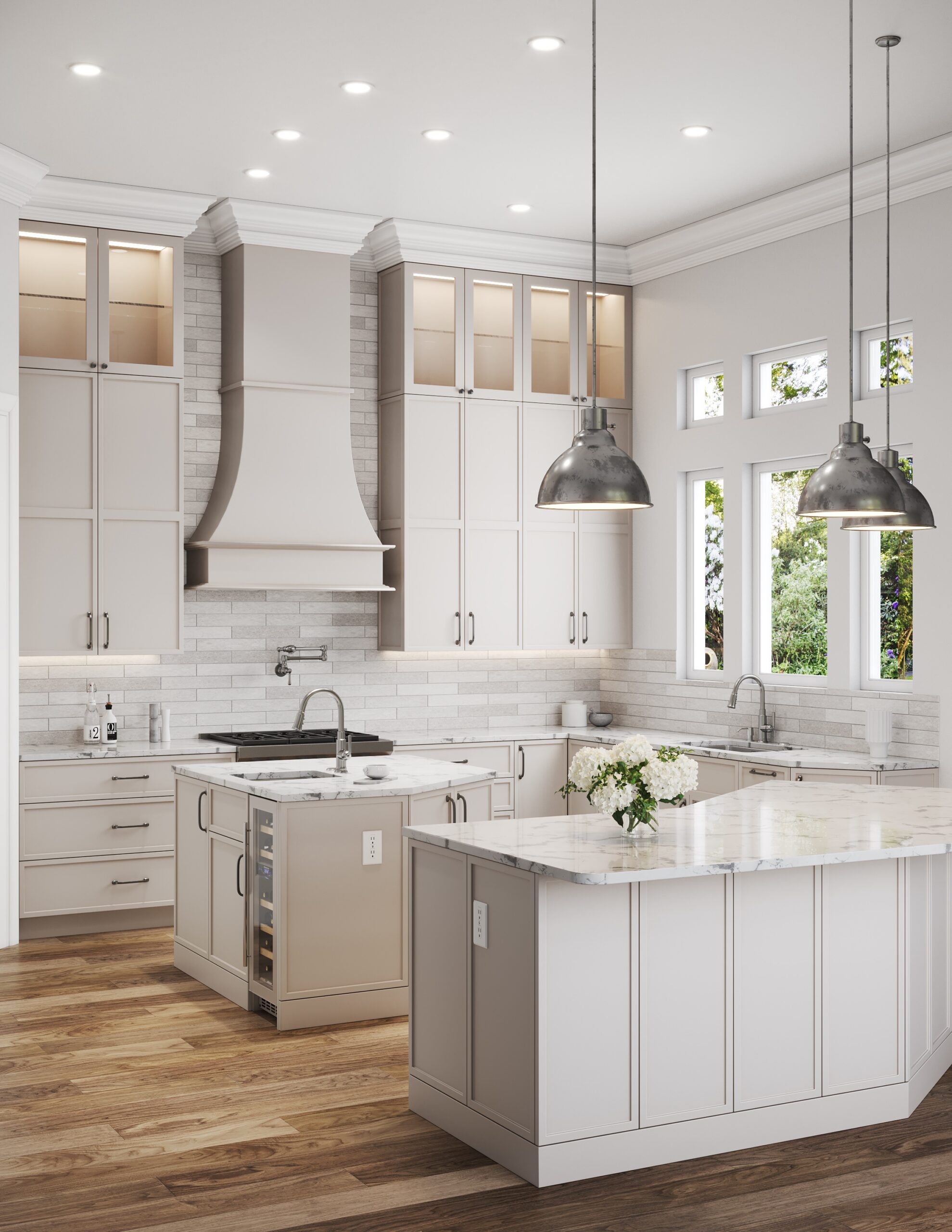
The door hinges and drawer slides used in our cabinets are highly durable and designed to last for the life of the product. However, occasional adjustments may be necessary to maintain optimal performance. In this post we review how to make common cabinet adjustments.
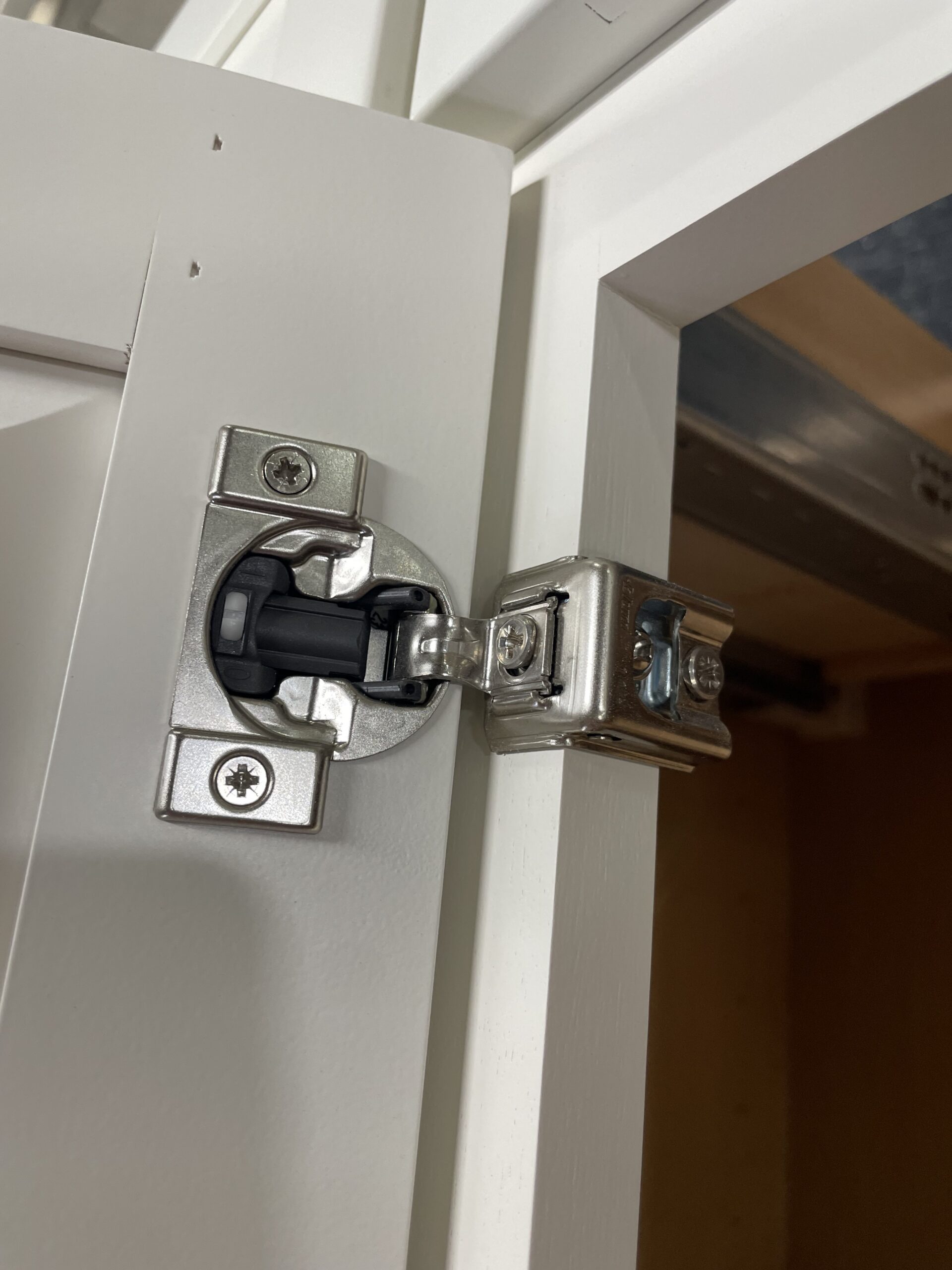
Bishop utilizes two types of hinges depending on the application: a compact one-piece hinge and a two-piece clip-on hinge. The clip-on style features a plate attached to the cabinet that the hinge clips into.
Specifically, we use Blum Compact hinges for our framed overlay cabinetry and CLIP Top Blumotion hinges for our inset and frameless cabinets. Both hinge types offer three-dimensional, six-way adjustment: up/down, left/right, and in/out.
Please click on the illustrations below to view a video demonstrating how to make adjustments to each type of door hinge.
Blum Compact (Click Photo for Video)
CLIP Top Blumotion (Click Photo for Video)

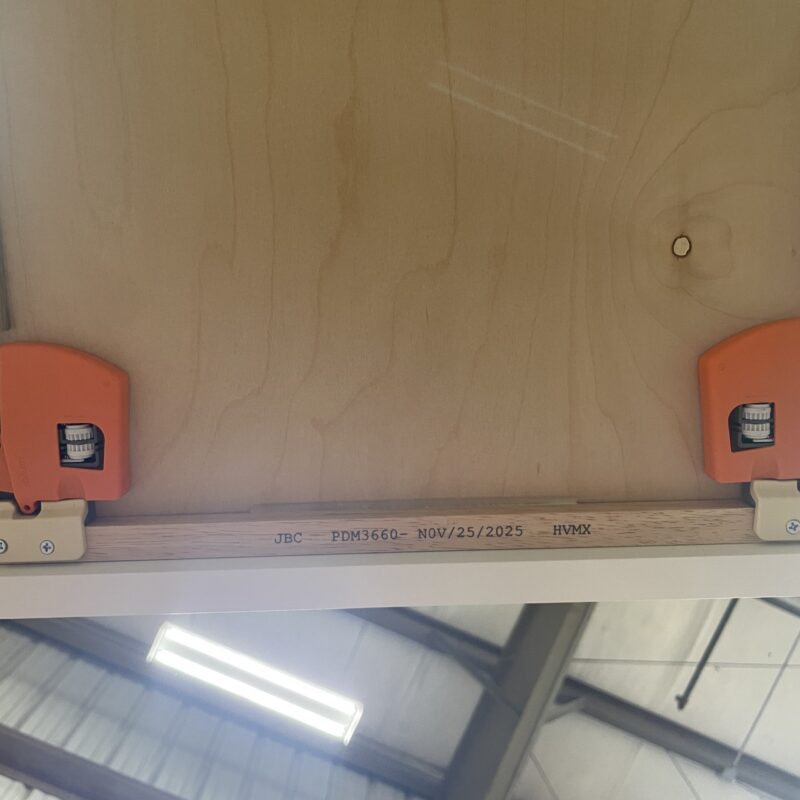
Next, let’s look at how to adjust drawers. With the exception of our Push-To-Open (PTO) solution, our drawers are Tandem soft-close from Blum. The drawers are adjustable left to right, tilt in and out as well as tilt left and right.
Please note that drawers consist of two primary hardware components:
- Slides (Rails): The hardware that allows the drawers to slide in and out.
- Locking Device: The component connected under the drawer box that secures it into the slides.
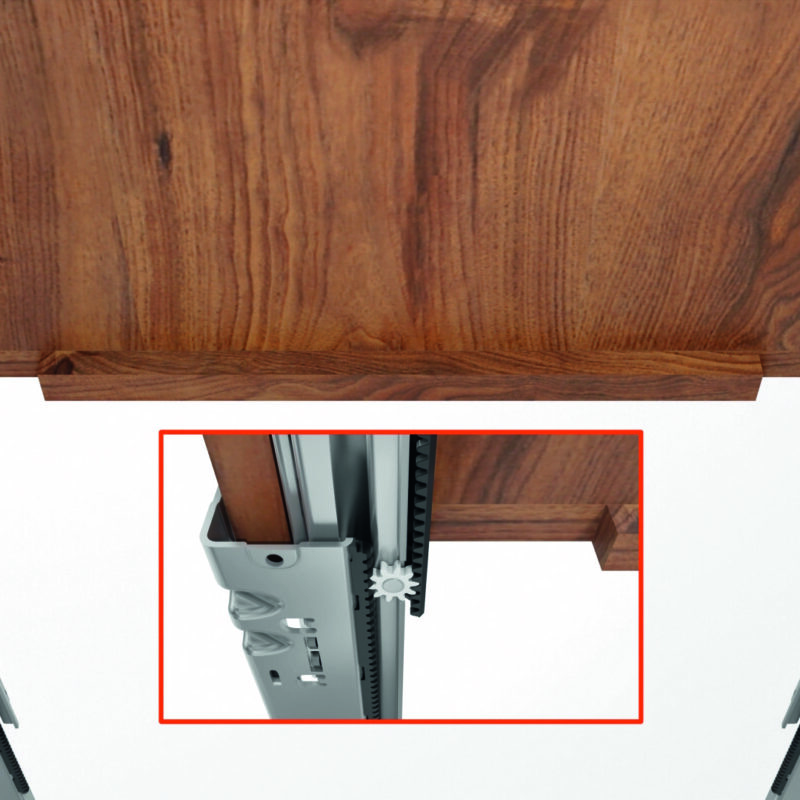
The illustration to the right shows the locking devices attached to the slides, while the illustrations below show the individual components. You can click on any of these images to learn how to adjust the drawers.
Slides (Click Photo for Video)
Locking Devices (Click Photo for Video)
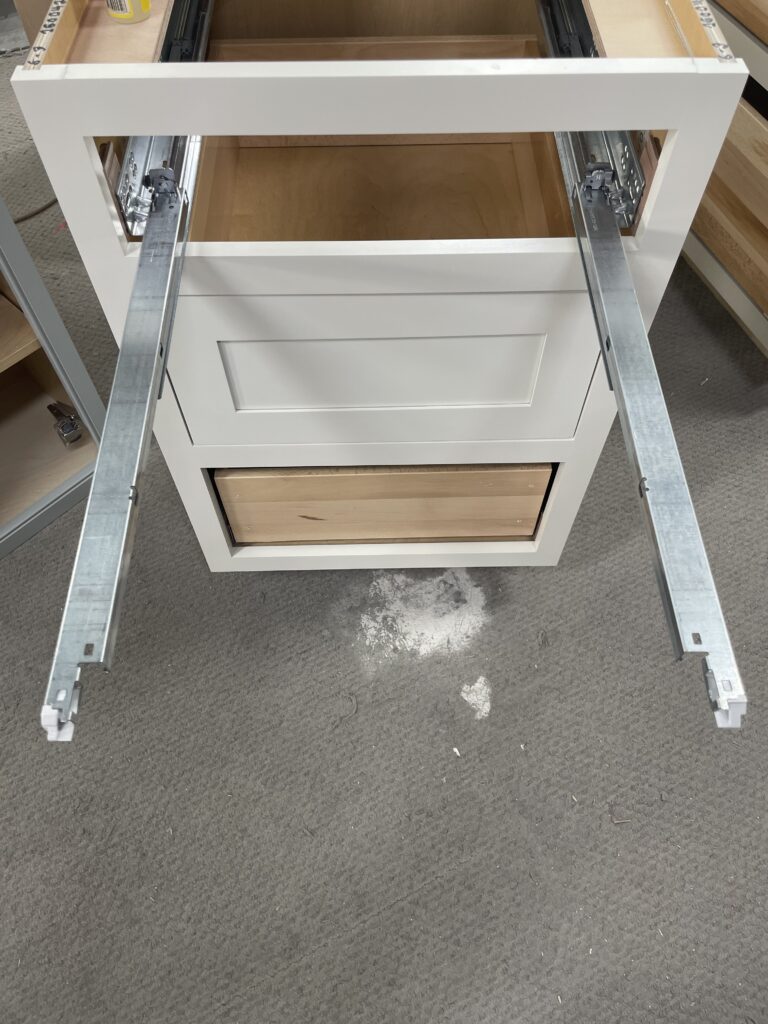
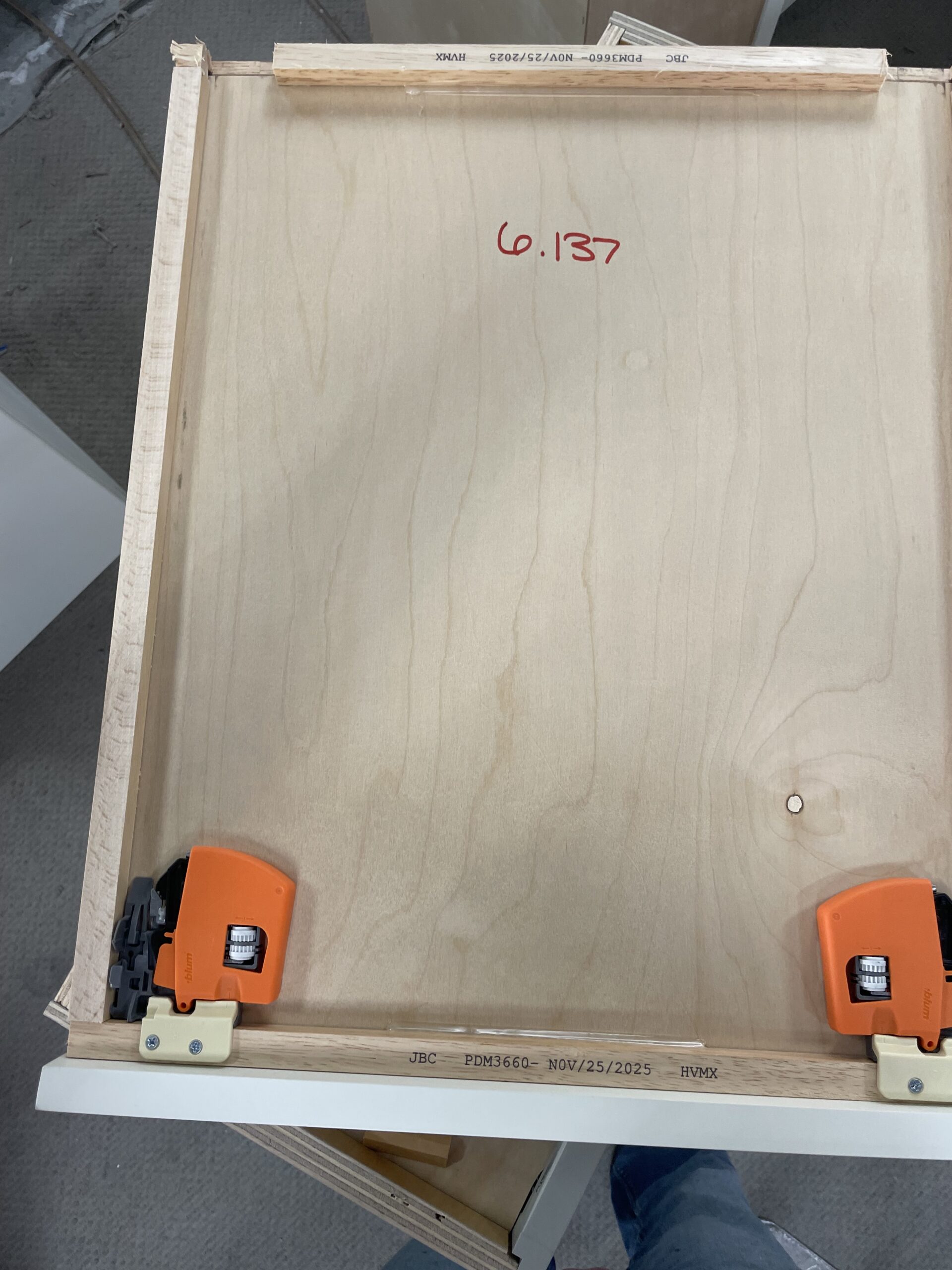
The video demonstrates how to move the white “gears” on the locking device to adjust the drawer’s position.
To adjust the tilt (the up and down movement that aligns the back of the drawer with the front), you must remove the drawer from the slides. To do this, grab both orange locking devices and simultaneously squeeze them toward the outside of the drawer box. This will disengage the locking devices, allowing you to remove the drawer and access the tilt adjustment on the back end of the slide. Please refer to the video for a demonstration.
Adjusting the doors and drawers are the most common adjustments that need to be made. There are some specialty cabinets that require different adjustment techniques. We will look at two here: Lift-Up Doors and Push-To-Open (PTO) doors and drawers.
Lift-Up Doors
Bishop offers two types of Blum lift-up hardware for doors:
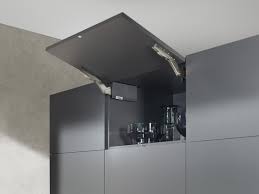
- AVENTOS HK: A lift system that pivots the cabinet door upward, perpendicular to the cabinet face.
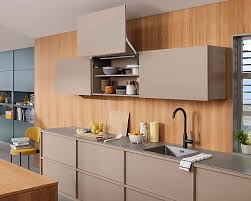
- AVENTOS HL: A parallel-lift system that lifts the door straight up, keeping it parallel to the cabinet face.
Click on the illustrations below for a demonstration of how to adjust each type of lift up door.
AVENTOS HK (Click Photo for Video)
AVENTOS HL (Click Photo for Video)
Push-To-Open (PTO)
Finally, we would like to highlight our Push-To-Open (PTO) options. PTO is increasingly popular for homeowners seeking a clean, uncluttered look without the need for pulls or handles. Bishop uses a Blum plunger system for doors and the Salice Progressa PTO system for drawers. Please note that the Salice system is not soft-close. We have selected it because its simplicity requires the least maintenance while providing the minimalist aesthetic client’s desire.
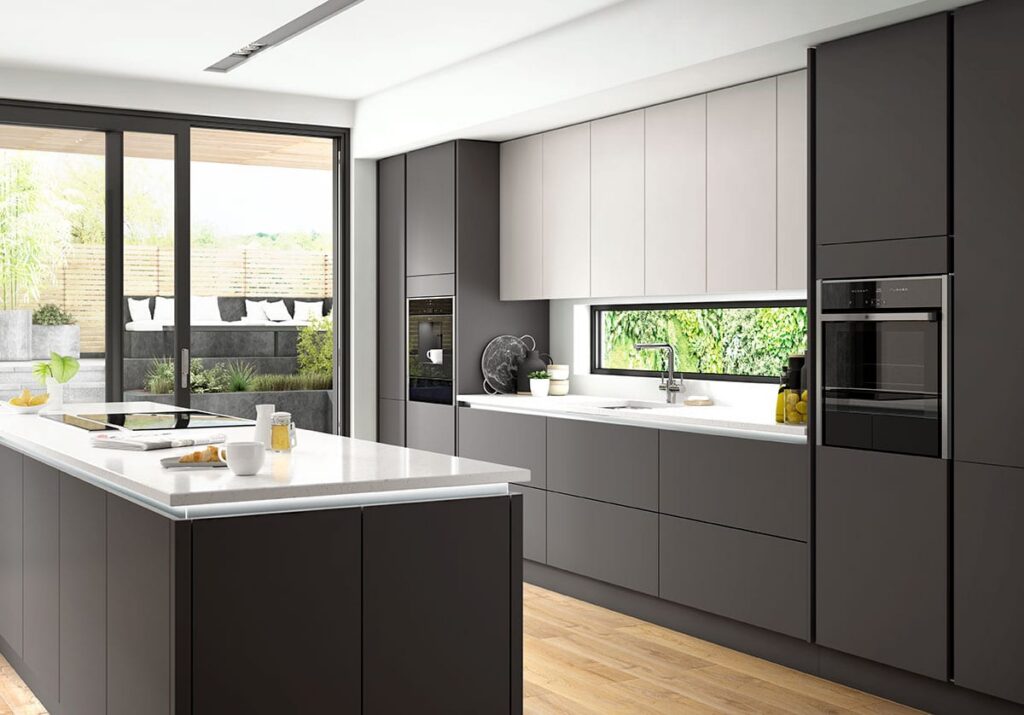
Blum Tip-On (PTO) for Doors (Click Photo for Video)
Salice Progressa PTO for Drawers (Click Photo for Video)
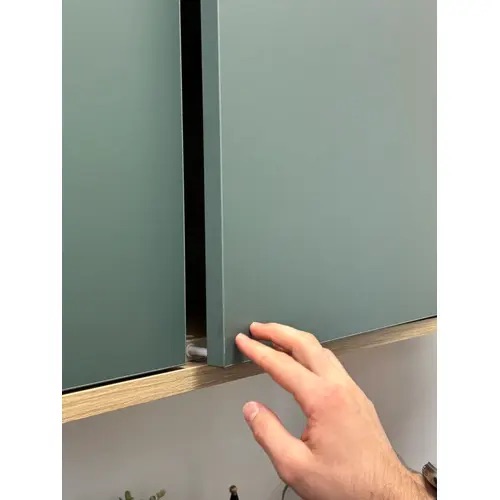
We hope you have found this post and these videos helpful. For Blum products, you can download the Blum app that contains many videos on how to adjust all sorts of Blum hardware, including the Blum products in this post.
About Bishop Cabinets
Bishop Cabinets has been manufacturing for over 60 years. Click here to learn more about our capabilities and latest offerings that align with the latest trends in cabinet finishes.
Our Vision Statement
“To create beautiful and functional cabinets through innovation, growth, and a commitment to keep family values at the core of everything we do.”